Upload your broken video and we'll fix it!
Repair corrupted, damaged, and unplayable MP4, MOV, M4A, 3GP, MXF, and RSV files easily.
Upload advice: Do not select video files directly from your SD card. Copy them to your computer first.
REPAIR CORRUPT, TRUNCATED, UNREADABLE, OR DAMAGED MP4, MOV, RSV, M4V, 3GP, PRORES, AND MXF VIDEO FILES
Repair high-definition video files created by professional cameras. We can recover videos from Canon, Nikon, Sony, Panasonic, Blackmagic, GoPro, iPhone, dashcams, Android devices, drones (DJI Phantom, Mavic Pro, Spark, Inspire), Apple ProRes, MXF, and many more.
Recent uploads
Loading...
Repair corrupt DJI video files
 Mavic PRO
You accidentally powered off your DJI quadcopter (Phantom, Mavic, Spark, or Inspire) before stopping video recording?
Your DJI video is damaged or unreadable? It cannot be played? Maybe you used an incorrect SD card in your drone. The result is a truncated MP4 or MOV video. Don't worry, we can help you. We can fix your video directly online. It's easy and takes only a few steps.
HOW TO: Simply upload your damaged video file and we'll fix it!
Repair Sony RSV files instantly
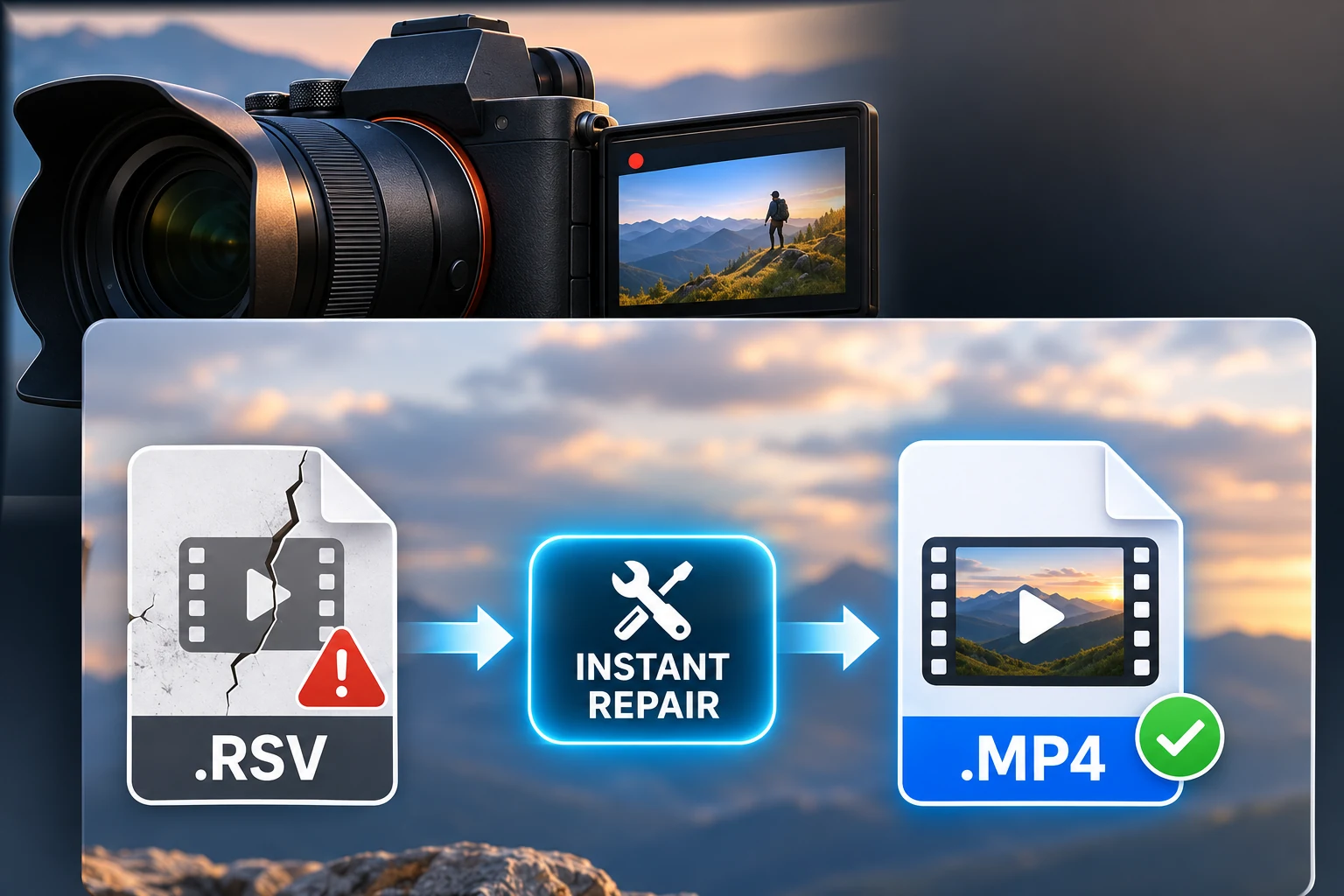
Your Sony recording was interrupted and your .RSV file is unreadable. In many cases, the video is still inside and can be recovered as a playable MP4.
HELP - When a Sony camera stops recording unexpectedly, it may leave behind an .RSV file instead of a finished MP4 video. This can happen when the battery runs out, power is suddenly lost, the memory card is removed during recording, or the camera is damaged in an accident.
Instant Repair is available for compatible Sony .RSV recordings. Fix.Video analyzes only the beginning of the file to prepare the repair, so you do not need to upload the entire video. You can restore it directly in your browser.
Download your repaired, playable MP4. Your complete file stays on your device during Instant Repair. If your recording is not eligible, you can continue uploading it for standard online repair.
 Fix damaged MP4, MOV, M4V, 3GP, ProRes, RSV, and MXF videos from all popular devices


Software Downloads - Data Recovery Utilities
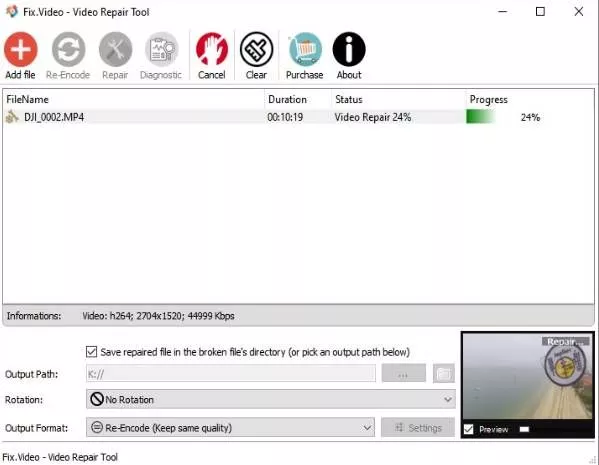
Video Repair Tool
 V1.2
Download our Video Repair Tool. The most advanced MP4 Repair Tool
Repair all your MP4 MOV videos on your computer with our offline Video Repair Tool.
Memory Card Recovery
 V1.0
Download our Memory card recovery tool.
The easiest way to recover your precious photos and videos Whether you’ve accidentally deleted files, reformatted your card, or encountered a sudden crash, our Memory Card Recovery Tool has you covered. #1 choice for rescuing lost media
Download your repaired video
Your file is ready • Secure instant access after payment
- Instant download in original quality after payment
- Private and confidential: your file is never shared
- Manual review available after purchase at no extra cost if needed
- Secure payment with PayPal or Stripe
- By making the payment, you agree to our terms of service
Have a multi-repair plan code? Use a valid plan code to unlock this repair.
Contact us about your file
Want a manual review by an engineer on your file? Contact us using this form. We will reply within a few hours during office hours, excluding weekends.
Review

We would appreciate your feedback. Your message will be used to further improve and promote our services.
Testimonials
See what users are saying about us! Write a review
I wish I could rate you 10 stars! What an amazing service, and fair priced to boot. You repaired for us a 2 hour interview - 70GB file, that was completely unreadable beforehand. Thank you so much!
 Ezra Shapiro, 2025/02/18
You have saved my life and reputation.
Vasilii, 2025/02/25
I cannot express how grateful I am to Fix.Video for their phenomenal work in recovering my precious video footage! I thought I had lost some irreplaceable memories forever, but thanks to their expertise, dedication, and swift action, everything was restored to perfection. From start to finish—It was like getting a piece of my life back. I highly recommend their services to anyone in need of video recovery you won't find a better team anywhere!
Geansli Joseph, 2024/08/14
We tried almost all the recovery software we could find on Google, mostly paid options. And Fix.Video has consistently helped us to repair many of our corrupted files. We believe this is the best software available. Wholeheartedly recommend you to try this as one of your options.
Vividsnaps, 2024/07/12
WOW!! Incredible. My DJI Air 2s fell in the pool and there was one very important video, no other software came close to what you guys did saving and exporting the file. It was more than Incredible, it was a miracle!!
Misael, 2023/09/14
Saves my butt every time! Great customer service when I need it. Very easy to use, fairly priced and works every time.
James, 2022/12/06
Well Done Fix.Video Repair Team World No.1 Video Fixing Team Can't imagine my all files back.Anyone Can go through this software
Manish Babu, 2021/04/03
WELL DONE! I tried to repair this on my own using several different tools and was only able to get choppy video, no sound or sometimes out of sync sound. You guys got it perfect, the first time... without a reference video! Just wanted to say thanks!
Sean, 2019/02/13
Thank you very much! I appreciate your help on this, you've been a real life-saver.
Tim, 2019/04/15
Thank you so much for helping us with this file. You saved us! Much appreciated for the fast response and recovery. You are now are GO TO for files that need rescuing. Thank you thank you thank you!
Tim, 2019/01/16
We recorded a wedding to two SD cards using the Sony A7III in order to protect us from SD card failure... Unfortunately, this didn't help when the first dance video file was corrupted on both cards. We tried every possible free method; VLC, a couple of video repair apps... Nothing worked. We then uploaded the corrupt file to Fix.Video, and within minutes were looking at a preview of a perfect fixed preview file! We downloaded the full file, which the team kindly transcoded for us, and the wedding is saved! I cannot believe how easy and quick this was. Well worth it, and we will definitely use them again if we ever have another corrupt video file! THANK YOU!!!!
The Eastcore, 2019/06/11
I had a A7s as a B camera for a long interview, with a corrupt SD card. Found this site, uploaded the damaged file. And boom, very very fast reply and service. File was fine after repair. Straight back to edit, export - deliver to happy client afterward. fix.video has since been bookmarked on my Mac. And colleagues around Europe has been told about the site.
Claus Frederiksen, 2019/06/27